A Citrix alternative must reliably deliver the applications you need. Whether RDS, browser-based access or another platform fits depends on applications, endpoints and operational requirements. A pilot using real workflows tells you more than a feature comparison.
Applications
Business applications, profiles and interfaces
Workplace
Endpoints, printers, scanners and connections
Operations
Access controls, updates and support
Start with what people actually use
Citrix can deliver individual applications or full desktops. Record the workflows, not just the installed products. A rarely used application with a specialist printer may matter more to the choice than a hundred standard desktops.
- Inventory applications and supported operating systems with the business teams.
- Account for profile management, sign-in, MFA and external access.
- Test printing, scanning, audio, video and USB devices in actual use.
Compare alternatives against those requirements
RDS may suit Windows applications. Browser-based access such as Kasm can cover further use cases but does not automatically replace every Citrix function. Continuing or adapting the existing Citrix environment also belongs in a balanced comparison. Total cost and operability matter, not just the access-software price.
Sign off the workflow, not the login
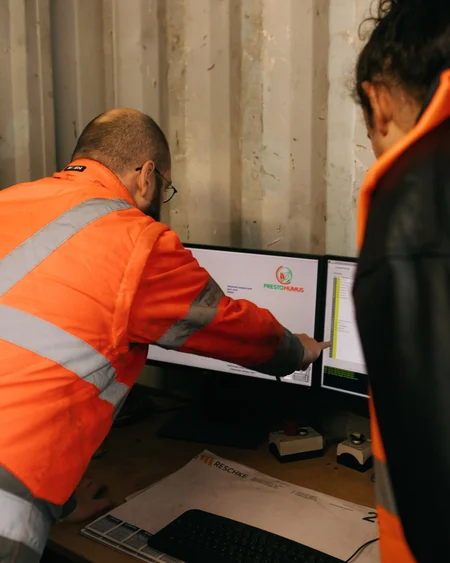
A remote-site pilot might involve signing in with MFA, opening an order, printing a document on the intended printer and attaching a scan to the order. Then disconnect and reconnect. Are the session, file and printer mapping retained as intended? Record the endpoint, application version, connection, result and outstanding fault for each test. This exact combination must work before the move.
Questions to resolve
- Which workflows must continue unchanged?
- Which vendors support the intended delivery model?
- Have licensing, operational effort and parallel running been included?